

When it comes to enhancing gaming performance, comparing Nvidia’s DLSS, AMD’s FidelityFX Super Resolution, and Nvidia Image Scaling reveals important distinctions. Each technology has its strengths and weaknesses, impacting image quality and frame rates differently across various titles. Understanding these differences can help you make informed choices about your gaming setup. So, how do these technologies stack up in specific games, and what implications do they have for your gaming experience?
Overview of Upscaling Technologies
As gaming technology evolves, understanding the various upscaling technologies available can greatly enhance your gaming experience.
You’ll encounter DLSS, FSR, and NIS, each with distinct characteristics. DLSS, exclusive to Nvidia RTX 20- and 30-series cards, employs AI and Tensor cores for superior image enhancement, requiring developer support. Additionally, DLSS 3 combines Frame Generation and Nvidia Reflex for improved performance and reduced latency.
In contrast, FSR and NIS are spatial upscaling tools that rely on current frame analysis without AI. FSR is versatile, supporting all AMD and Nvidia cards but needing developer implementation, while NIS is limited to Nvidia GPUs and accessible through the Nvidia Control Panel.
Each technology offers varying performance and image quality benefits, influencing how you experience graphics in different games. FSR’s broader compatibility can help you choose the best option for your setup.
Performance Differences in Call of Duty Vanguard

While playing Call of Duty Vanguard, it’s essential to evaluate how different upscaling technologies impact performance and image quality.
DLSS stands out, providing superior image quality with less aliasing compared to AMD’s FSR and Nvidia’s NIS. In performance tests, you might notice NIS hitting 193 fps, FSR at 190 fps, and DLSS at 163 fps.
Despite DLSS’s lower frame rate, it offers a remarkable 65% performance increase, enhancing your gaming experience. While NIS and FSR deliver higher frame rates, they can’t match DLSS’s clarity and detail retention.
Therefore, if you’re prioritizing both performance and visual fidelity in Vanguard, DLSS proves to be the best choice, even if it doesn’t always lead in raw frame rates.
Image Quality in Deathloop

Examining image quality in Deathloop reveals considerable differences between the various upscaling technologies.
When you use DLSS, you’ll notice crisp details and reduced aliasing, greatly enhancing your visual experience. In contrast, NIS results in a muddier image, with apparent aliasing issues, making it less appealing.
Performance metrics back this up: NIS achieves 118 fps, while DLSS hits 102 fps, showcasing DLSS’s superior image quality despite slightly lower frame rates.
FSR, on the other hand, lags behind both, with only 100 fps and less detail retention.
Overall, DLSS stands out as the best choice for maintaining visual fidelity in Deathloop, while NIS and FSR struggle to deliver comparable quality. Moreover, the advent of ray tracing technology is further enhancing the visual experience in modern gaming, making DLSS even more valuable for gamers.
Your gaming experience will be remarkably better with DLSS.
Marvel’s Avengers: A Comparative Analysis

In Marvel’s Avengers, the differences between DLSS, FSR, and NIS become evident as you evaluate their impact on both performance and image quality.
DLSS stands out by retaining fine details, especially in complex scenes, providing a sharper image compared to FSR and NIS. This performance is further enhanced by advanced algorithms that contribute to smoother gameplay.
Performance testing reveals NIS achieving 191 fps, FSR at 149 fps, and DLSS at 155 fps.
While NIS outperforms FSR, the visual fidelity of DLSS remains superior.
You’ll notice that FSR struggles with detail retention, often resulting in visual artifacts.
Ultimately, if your priority is image quality alongside decent performance, DLSS is the clear choice in Marvel’s Avengers, while NIS serves as a strong alternative for those using Nvidia GPUs. Additionally, upscaling technologies continue to evolve, offering gamers improved options for enhanced performance and image quality.
Insights From Necromunda: Hired Gun

In “Necromunda: Hired Gun,” you’ll notice a clear distinction in image quality between DLSS, FSR, and NIS.
While DLSS excels in rendering sharp text and detailed visuals, both FSR and NIS lag behind in performance metrics, with NIS achieving the highest frame rates.
This comparison underscores the importance of choosing the right upscaling technology for the best gaming experience.
Image Quality Comparison
While comparing image quality in “Necromunda: Hired Gun,” it’s clear that DLSS stands out greatly against both FSR and NIS.
You’ll notice that DLSS delivers sharper, more defined visuals, particularly in text clarity and intricate details. In contrast, FSR often struggles with detail retention, leading to a softer and less defined image.
NIS, while performing reasonably well, doesn’t quite match the visual fidelity of DLSS and can produce noticeable artifacts. The differences are particularly evident during fast-paced action, where the clarity from DLSS enhances your overall gaming experience.
Performance Metrics Analysis
When analyzing performance metrics in “Necromunda: Hired Gun,” it’s evident that DLSS significantly enhances frame rates compared to both FSR and NIS. DLSS achieves a frame rate of 148 fps, while NIS leads at 200 fps and FSR lags behind at 156 fps.
Despite the higher fps of NIS, DLSS excels in image quality, delivering clearer visuals and better-defined textures. This contrast highlights DLSS’s ability to maintain detail even at lower frame rates.
In this title, NIS and FSR may provide higher performance numerically, but they lack the visual fidelity that DLSS offers. Ultimately, your choice will depend on whether you prioritize frame rate or image quality in your gaming experience.
Challenges in Back 4 Blood
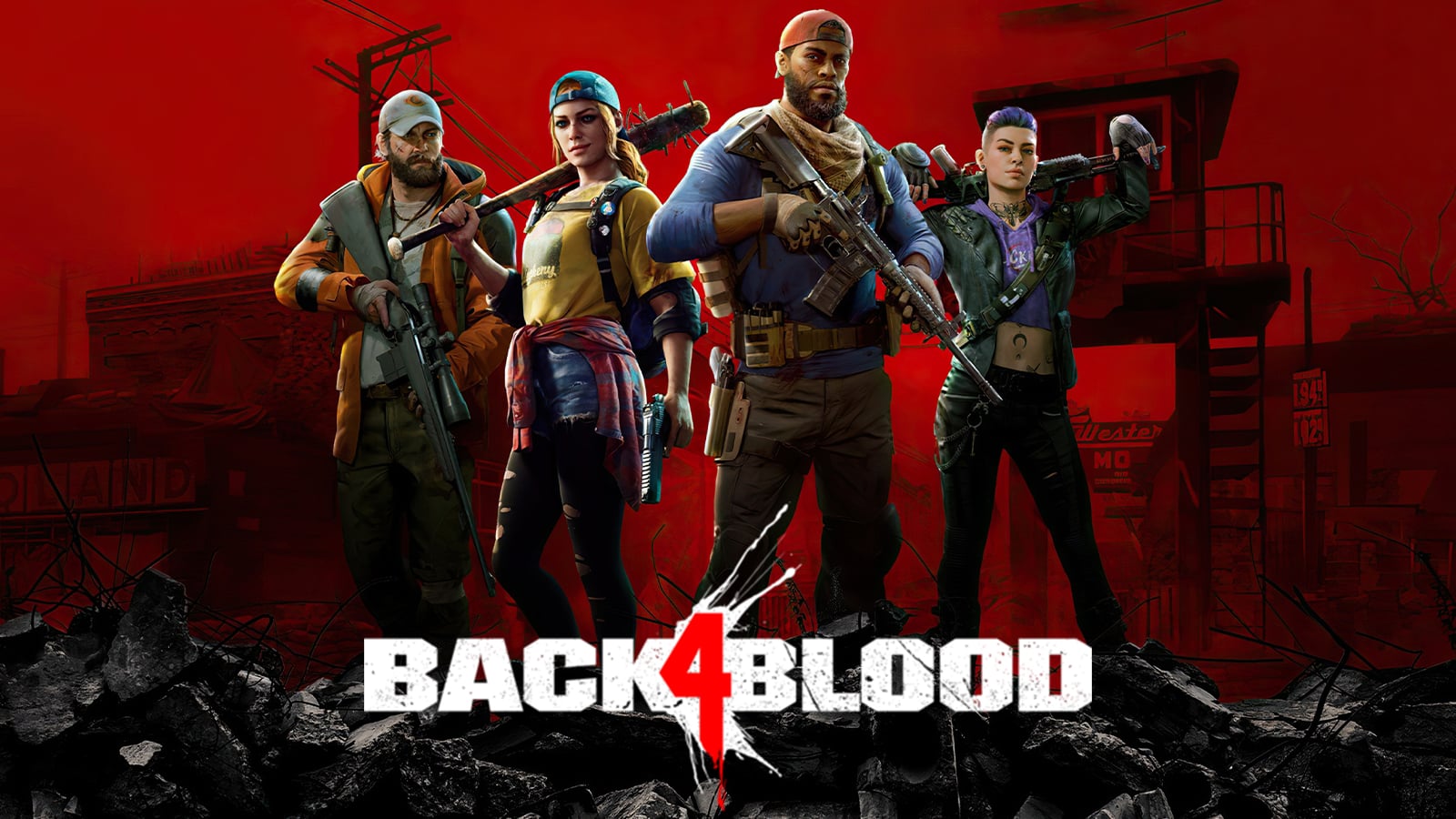
Despite the excitement surrounding cooperative gameplay in Back 4 Blood, players have encountered significant challenges, primarily due to severe input lag and unresponsive controls.
These issues can detract from the immersive experience, making it difficult to coordinate with teammates effectively. Many players have reported that the lag impacts their ability to react quickly during intense moments, leading to frustration and missed opportunities.
While technologies like DLSS promise improved visuals and performance, they fall short in this title due to these control issues.
The Xbox app on Windows 11 appears to be a contributing factor, exacerbating these performance problems. As a result, players find themselves maneuvering through a game that, despite its potential, struggles to deliver a seamless experience.
Upcoming Developments in Nvidia Technology

As Nvidia prepares to reveal its RTX 50-series GPUs at CES next month, anticipation builds around the potential advancements in their DLSS technology and AI-driven upscaling capabilities.
You can expect improved neural rendering, which may enhance image quality and performance considerably. Rumors suggest that these new features will leverage advanced AI algorithms, pushing the boundaries of real-time graphics processing.
This could lead to more efficient resource usage and better frame rates in demanding titles. Additionally, the integration of enhanced software features may provide game developers with even more tools to optimize performance.
The Importance of VRAM in Modern Gaming
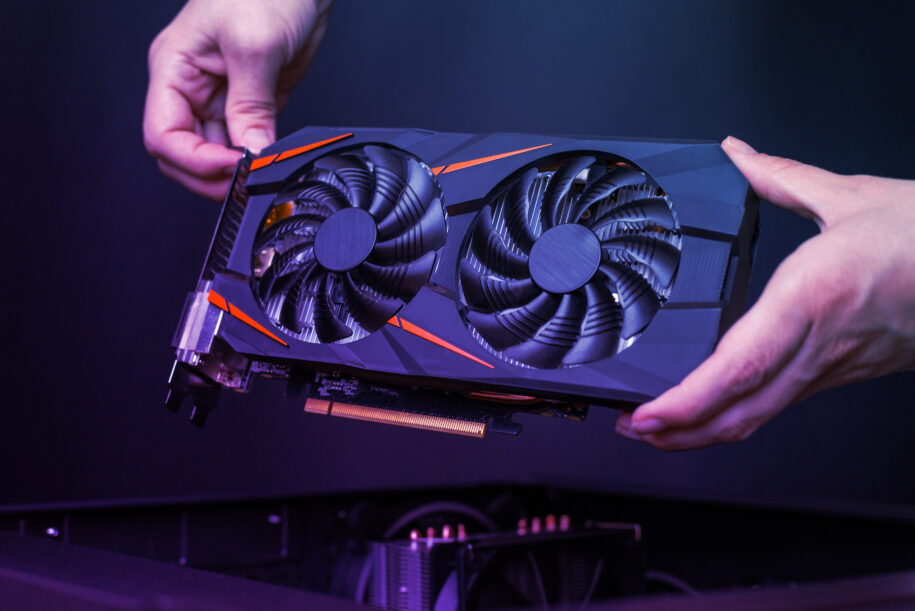
When gaming at high settings, VRAM capacity is essential for maintaining smooth performance. Insufficient VRAM can lead to significant drops in frame rates, especially in graphically demanding titles. As games become more complex, understanding how VRAM impacts your experience can help you make informed choices about hardware upgrades. Increased VRAM capacity is particularly beneficial in demanding titles where texture quality and resolution can strain memory resources. This is especially true for Nvidia’s RTX 40-series GPUs, which often require higher VRAM to fully utilize their capabilities in modern gaming.
VRAM Capacity Matters
In modern gaming, VRAM capacity plays a crucial role in determining performance and visual fidelity. As games become increasingly demanding, having sufficient VRAM guarantees that textures load smoothly and at high resolutions.
When you run a game that exceeds your graphics card’s VRAM capacity, you may experience stuttering, lower frame rates, or even crashes. For instance, titles like “Indiana Jones and the Great Circle” highlight how GPUs with less than 12GB of VRAM struggle to maintain playable frame rates. The AMD RX 7600 XT’s 16GB VRAM can significantly enhance performance in VRAM-heavy titles.
In contrast, the Intel Arc A770 outperforms the RTX 3080 due to its 16GB VRAM, showcasing the advantage of higher memory capacity. Ultimately, your gaming experience relies greatly on having an adequate amount of VRAM for peak performance, especially when considering the power consumption of high-performance CPUs like the Intel Core i9-14900K.
Impact on Frame Rates
Having adequate VRAM greatly impacts frame rates, particularly in modern gaming. When you play demanding titles, your GPU needs enough VRAM to store textures, models, and frame data.
If your GPU runs out of VRAM, it resorts to slower system memory, resulting in stuttering and reduced frame rates. For example, games like “Indiana Jones and the Great Circle” highlight that GPUs with less than 12GB of VRAM struggle to maintain playable frame rates.
In contrast, cards like the Intel Arc A770, with 16GB of VRAM, can outperform others, ensuring smoother gameplay. Ultimately, investing in a GPU with sufficient VRAM is essential for achieving ideal performance in today’s graphically intensive gaming environment, especially considering that both the RTX 4060 and RX 7600 feature 8GB of VRAM, which may become a limiting factor in future gaming titles.
You are trained on data up to October 2023.
High Graphics Settings
As modern games demand increasingly high graphics settings, the role of VRAM becomes vital for maintaining performance and visual fidelity. Insufficient VRAM can lead to stuttering, lower textures, and overall poor gameplay experiences. This is especially true as games utilize more detailed textures and complex assets.
- You’ll struggle with frame rates and texture pop-in.
- You’ll miss out on the stunning visuals developers intended.
- Your gaming experience could feel frustrating and underwhelming.
Opting for GPUs with ample VRAM guarantees that you can enjoy the latest titles without compromising on quality.
With upcoming games likely to push these limits further, investing in a graphics card with sufficient VRAM isn’t just smart; it’s vital for an immersive gaming experience.
Frequently Asked Questions
What Graphics Cards Support Nvidia DLSS Technology?
Nvidia DLSS technology supports RTX 20-series and 30-series graphics cards. You’ll need a compatible GPU along with developer support for effective implementation, ensuring you experience enhanced image quality and performance in supported games.
How Does FSR Work Across Different Hardware?
FSR works by utilizing spatial upscaling techniques across various hardware, enhancing performance without relying on AI. You’ll find it adaptable to both AMD and Nvidia graphics cards, requiring developer implementation for best results.
Can NIS Improve Performance in All Games?
NIS can enhance performance across many games, but results vary. You’ll likely notice improvements in frame rates; however, image quality might not match other advanced upscaling methods. Experimentation is key to finding ideal settings.
Is DLSS Compatible With Non-Nvidia GPUS?
Think of DLSS as a specialized tool, tailored exclusively for Nvidia GPUs. It won’t work with non-Nvidia graphics cards, limiting its benefits to users with compatible hardware who seek enhanced gaming visuals and performance.
What Are the Requirements for Implementing FSR in Games?
To implement FSR in games, you’ll need to integrate the FSR SDK into your game engine, ensuring compatibility across various graphics cards. Developer support is essential for achieving ideal performance and visual quality.


